Create your first project
Last updated Over 1 year ago
As soon as you signed in, you will see your dashboard, which will still be quite empty, as you do not have any content yet.
In order to create your first project, click on the CREATE PROJECT button.
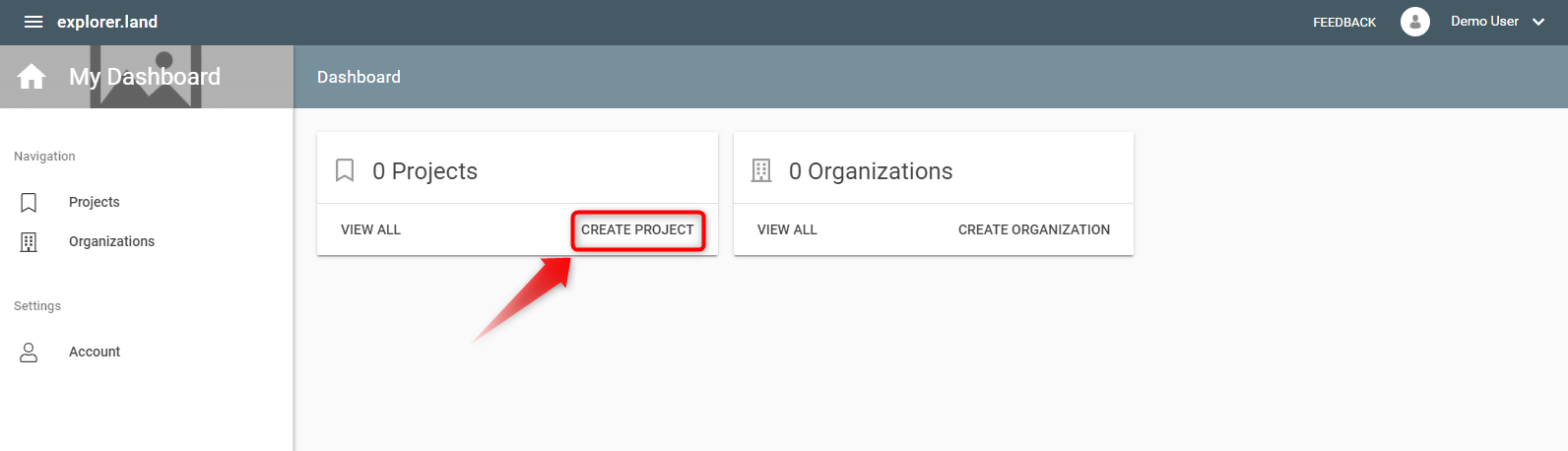
This will open a form
The 'Create a new Project' form
In order to have a complete project presentation, you would need to fill out the whole form, but for a quick start, you might only want to fill out the mandatory fields, which are:
The project name

The slug for the project URL
The slug is the end part of the URL (read more at Wikipedia). It should be an easy to read and remember set of characters, normally the short version of the Project's name. E.g., for a Project with the name "Reforestation Initiative of the State of Pernambuco" you may want to choose a slug like "reforestation_pernambuco". You are free to type in whatever you want. Spaces are not allowed.

NOTE: The slug can not be changed afterwords, so choose it carefully!
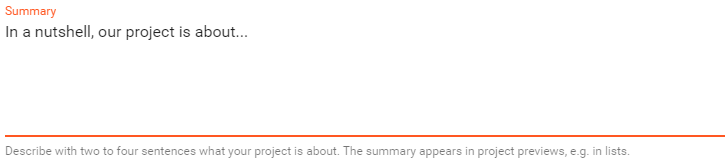
Summary
The summary should not be longer than about three sentences, but deliver the essential information about your Project. Formulate the summary in such a way, that visitors of your Project presentation are able to understand what your Project is about. The summary text will also appear as a preview when sharing in social media.
Start year
Indicate the year your Project formally started or is going to start.

Contact details
Indicate the name and respective email of the responsible person for the Project.

Geography
Select the country (or multiple countries) and the region your Project is located in. Consider that the region might be an administrative region (e.g. a district) or designated by its cultural or environmental context (e.g. 'Western Amazon').

Saving the project
After filling out these mandatory fields, you are ready to save it:
SAVE AS DRAFT will create the Project, but it will still not be online. This option is meant to allow to finalize the Project presentation first.

You can publish the project after you save it as draft under the Publication Status of your project overview page. We recomment completing the project profile as best as you can first.

Go to Projects to have an overview of all Projects features and elements.
Was this helpful?
Still need help? Ask the team