Umbrella Organization
Last updated Over 1 year ago
What is an Umbrella Organization?
An Umbrella Organization, as the name says, is a main organizition that is linked to several other member organizations and to their respective Projects on explorer.land.
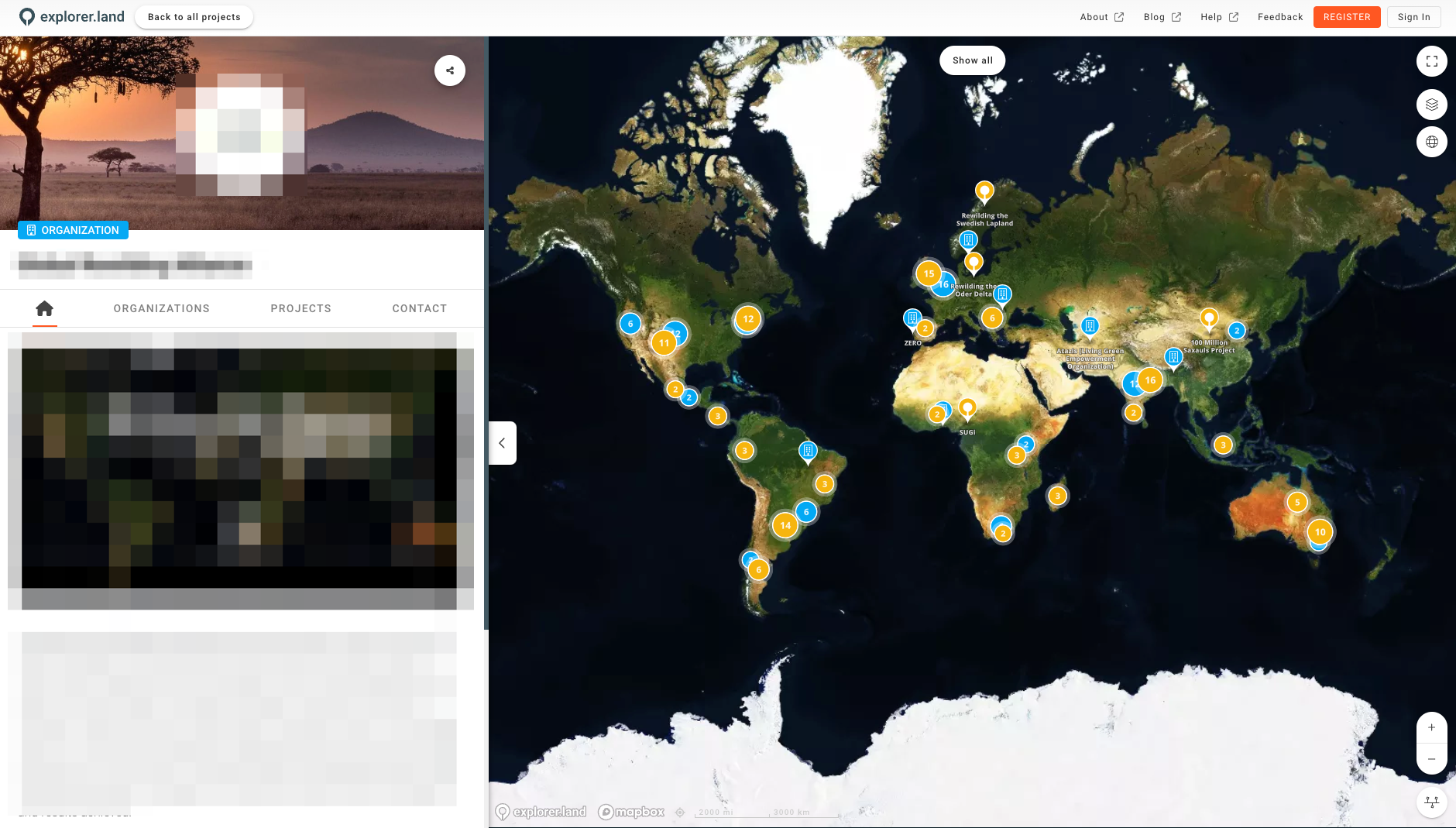
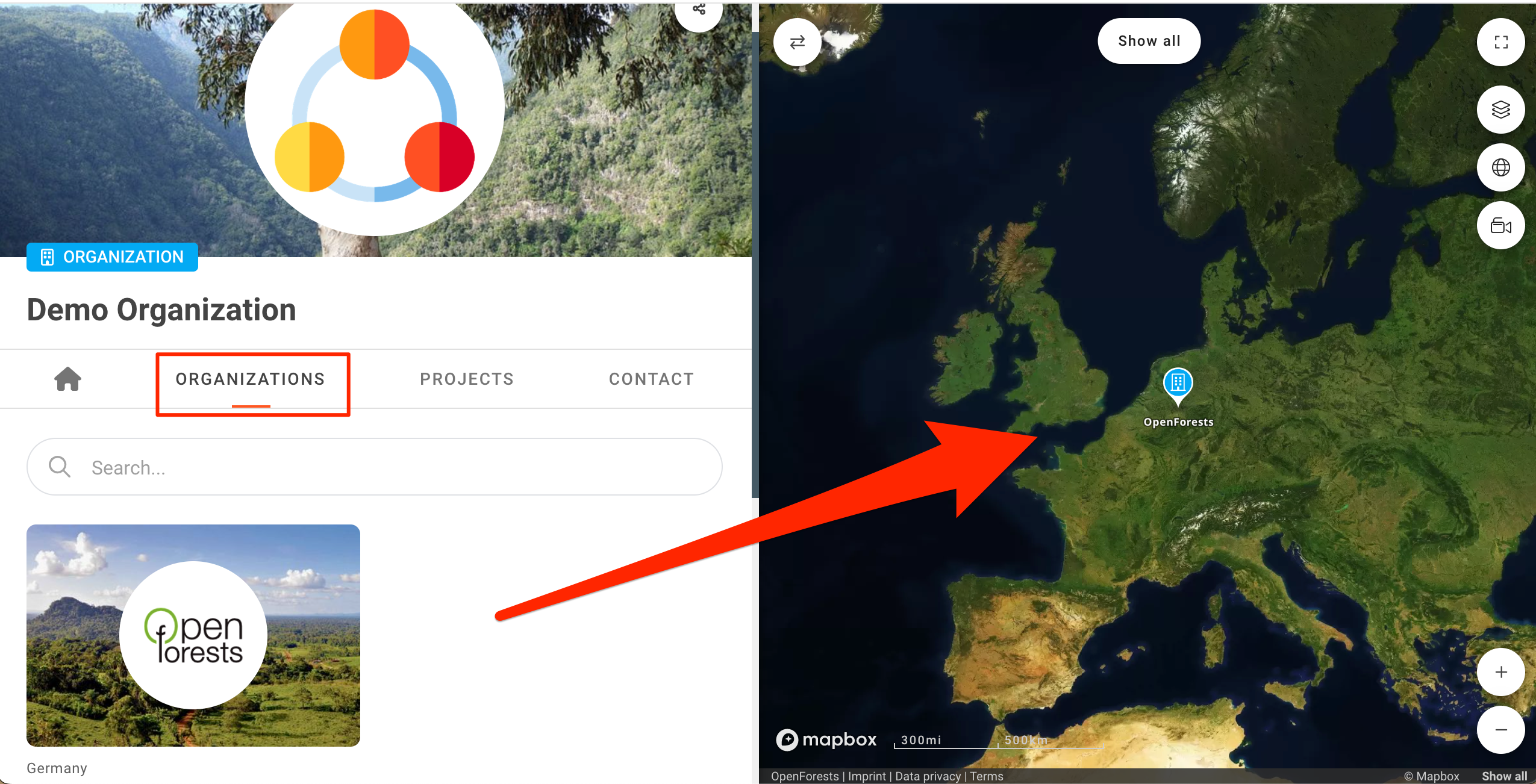
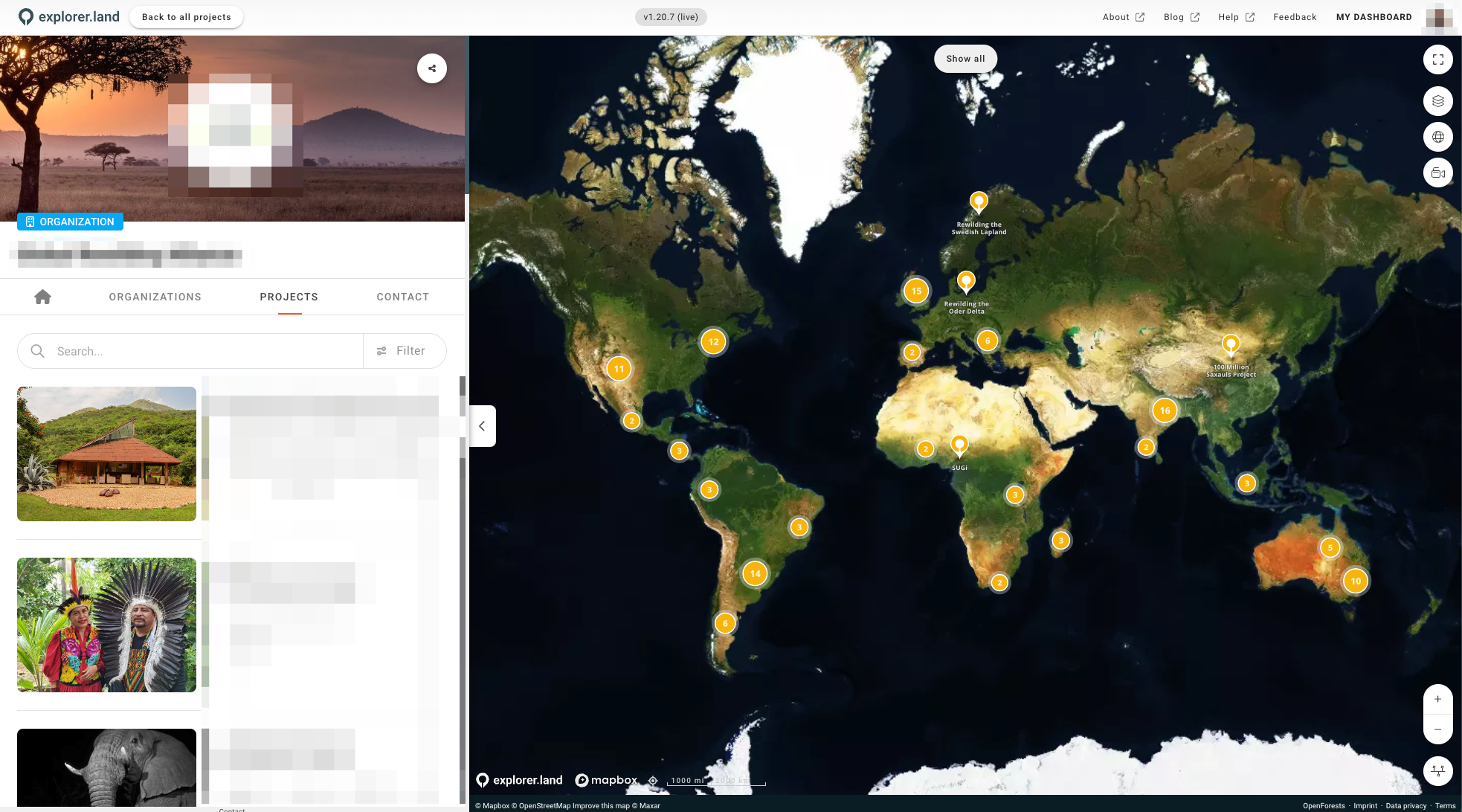
On the Umbrella Organization page, it will be possible to see not only all the linked projects, but also the location of all the linked member organization's headquarters on the map. Under the HOME tab, you will be able to see both the member organizations, as well as their projects together on the map.
Creating an Umbrella Organization
If you already have an organization created on explorer.land, you can request our Support Team (support@openforests.com) to activate the Umbrella Organization module. Only after the module is activated, can you start adding member organizations to your Umbrella Organization.
Adding Member Organizations
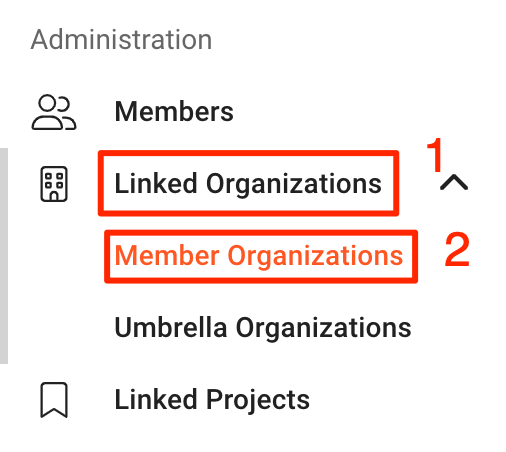
To add member organizations to your Umbrella Organization, navigate to the organization management panel on the left side and click the “Linked Organizations” dropdown menu ①, followed by "Member Organizations" ②.
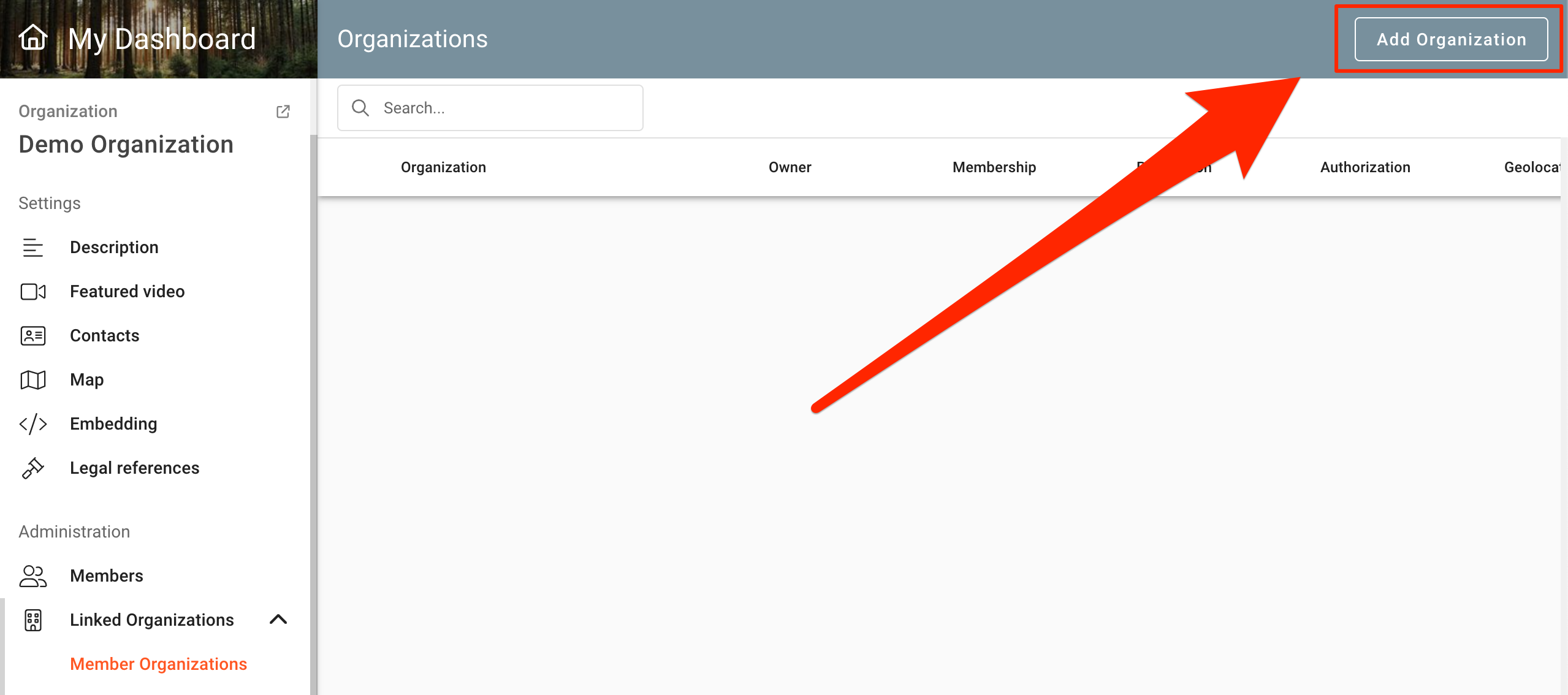
This will open the Organizations management page, where you can click on the "Add Organization" button.
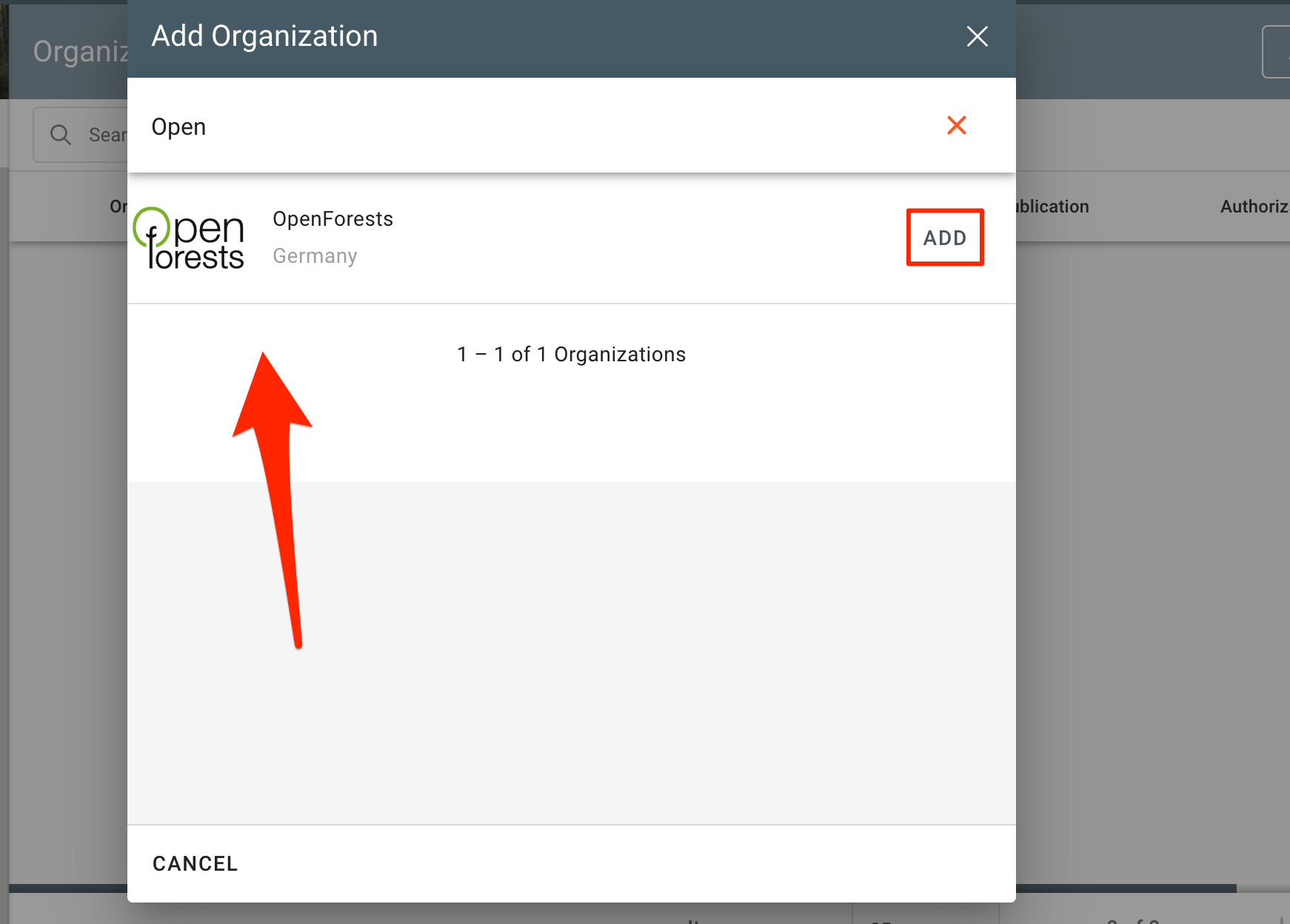
A window with a search bar will pop-up, for you to write the name of the Organization you want to add.
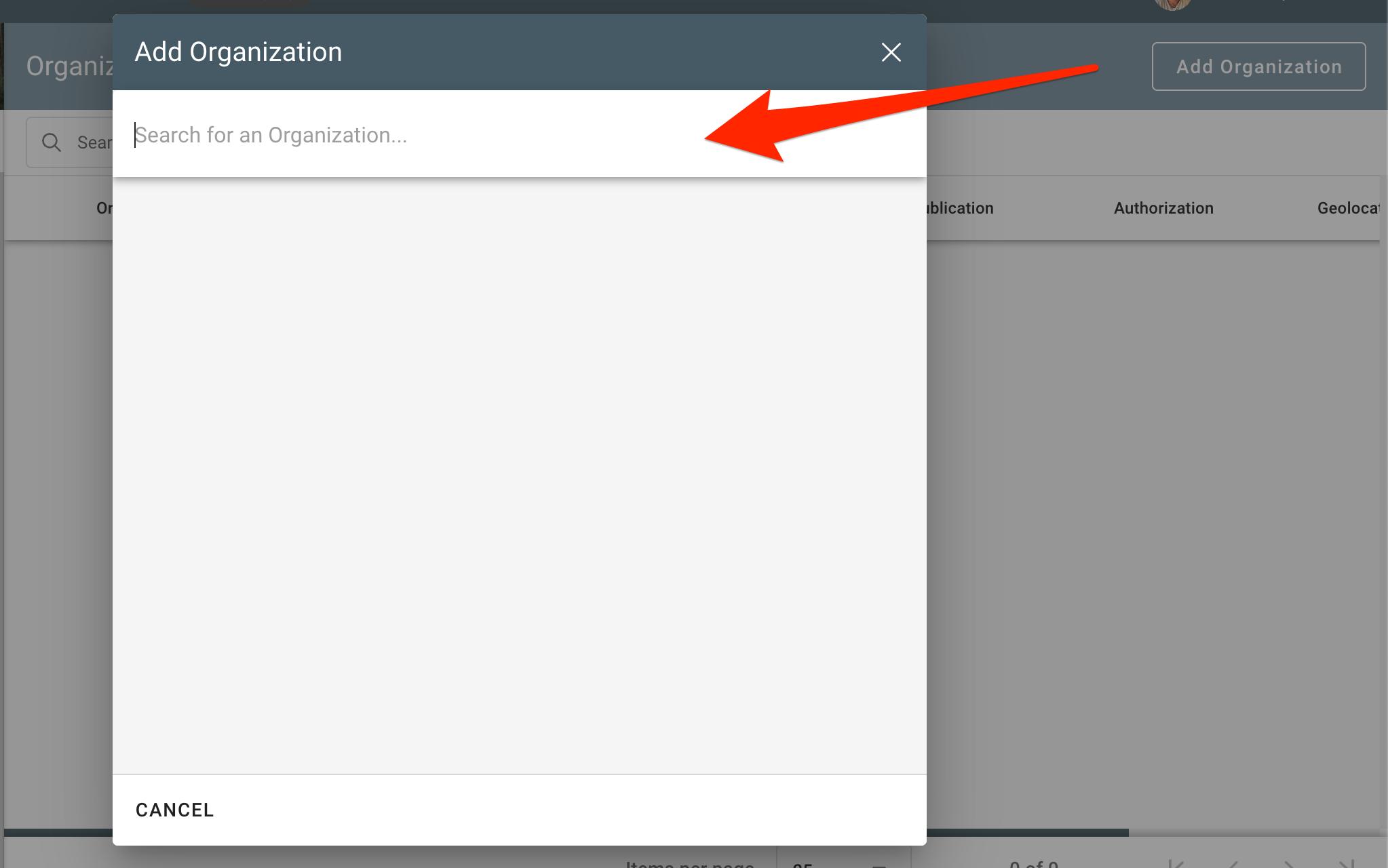
As you start typing, the results will appear below the search bar. Select the Organization you want to add by clicking on the respective "ADD" button or cancel action by using the "CANCEL" button.
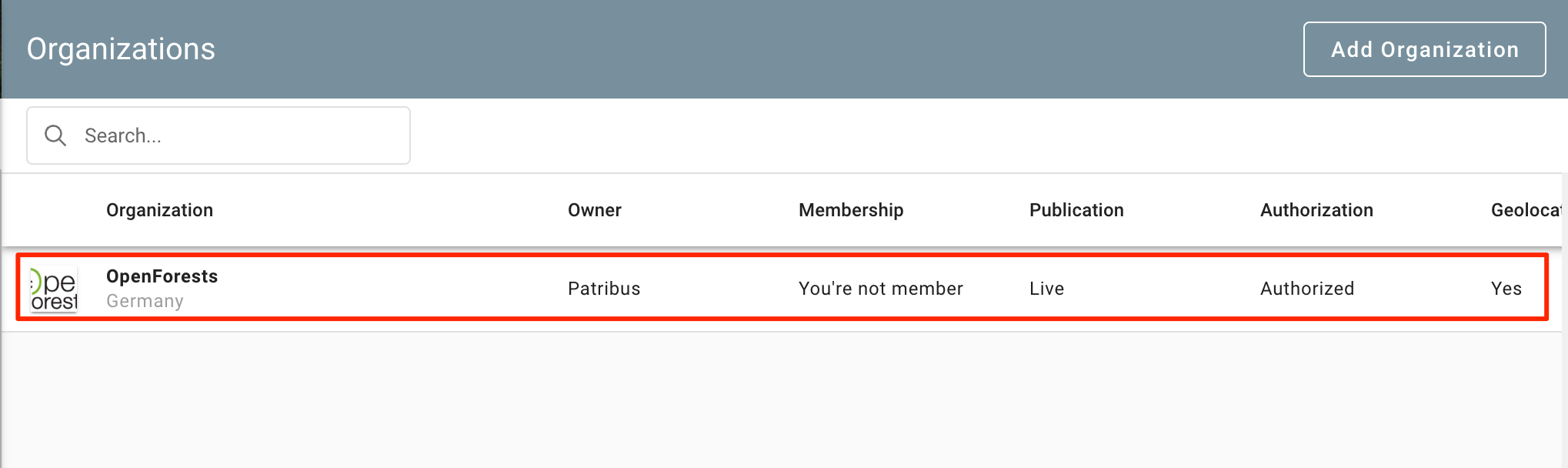
Once the Organization is added, it will appear listed on the Organizations management page.
It will also start to appear on your Umbrella Organization Page, under the Organizations Tab, and located on the main map. (To have the headquarter location of an organization on the map, you first have to set its location in the contacts stettings. Learn how here.)
How to Unlink an Organization
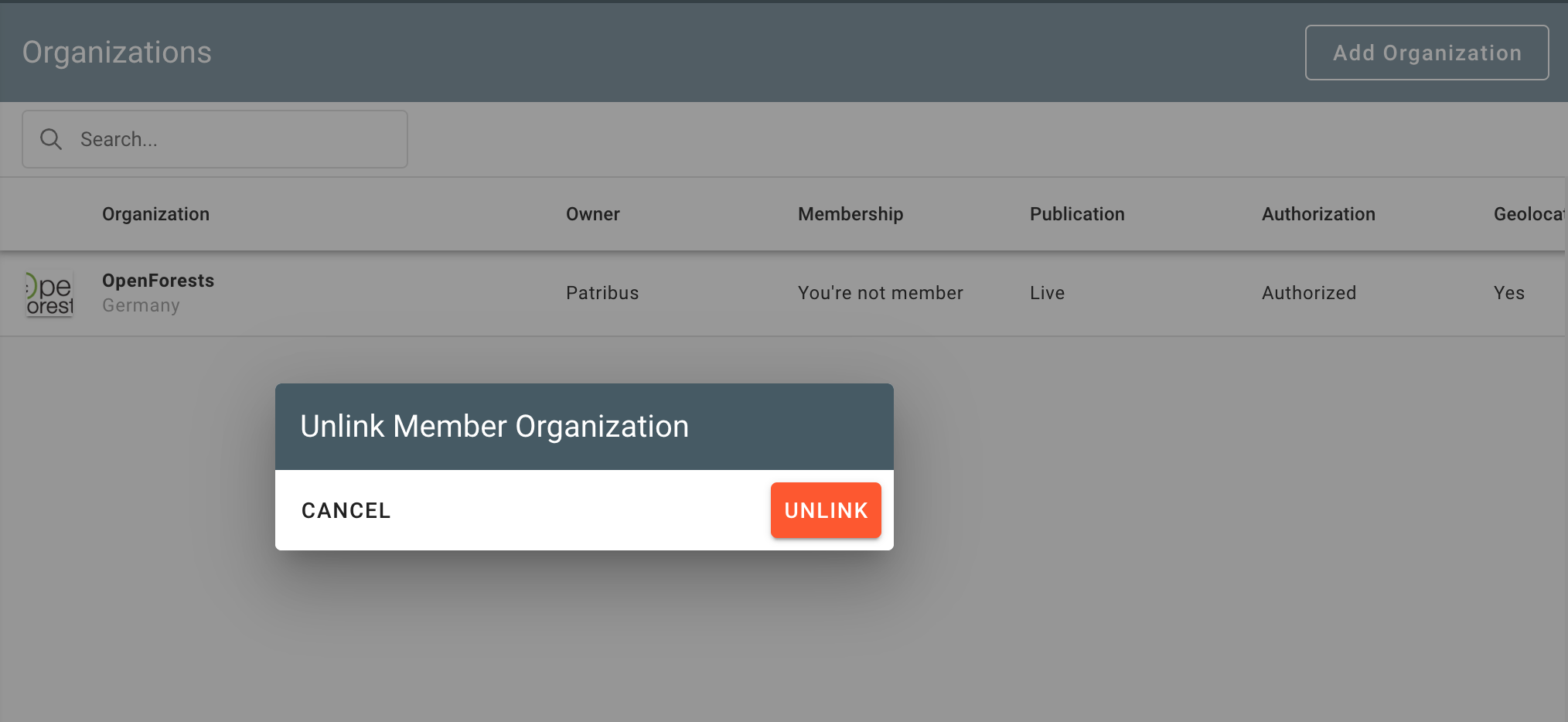
If you wish to Unlink an Organization, go back to the Organizations management page and simply click on the "Unlink Organization" icon of the relevant Organization.
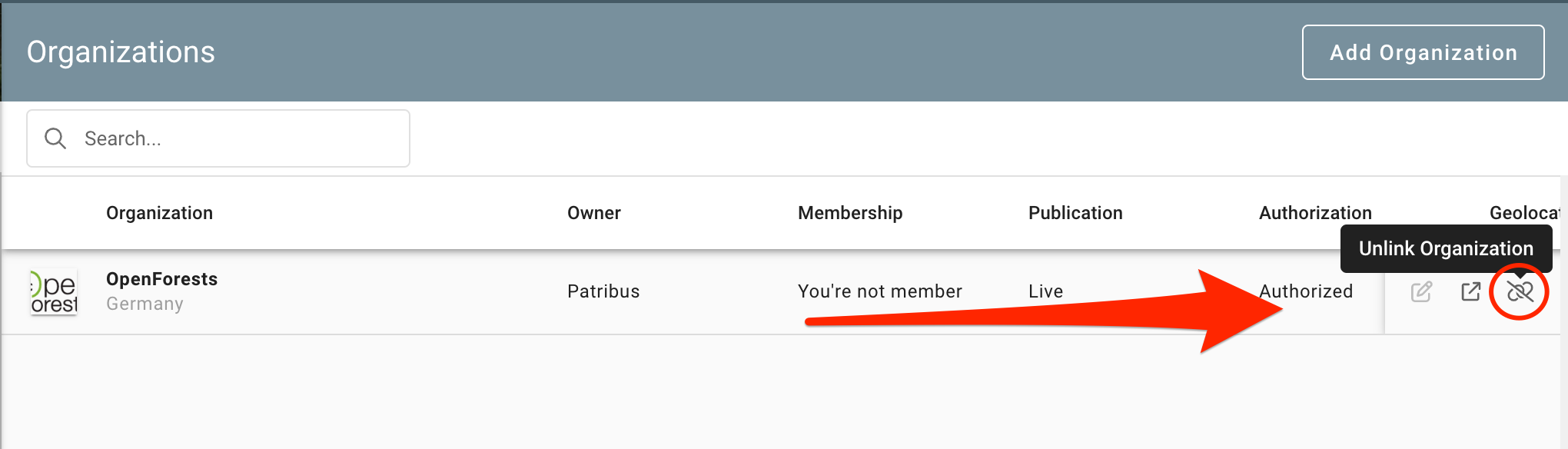
Conclude by clicking on the “UNLINK” button, or cancel action by using the “CANCEL” button.
Linking Projects to your Umbrella Organization.
You can also link the projects of your member organizations to your Umbrella Organization. They will then appear under the projects tab and on the map of your Umbrella Organization.
To learn how to do this, please refer to the Link Projects to an Organization article.
Organization News (propagation)
To also have the news posts of linked projects shown on your Umbrella Organization profile page follow these steps: Organization News (propagation)
Was this helpful?
Still need help? Ask the team