How to upgrade your plan
Last updated 5 months ago
How to upgrade
You can move from Free to Starter, Starter to Professional, or reach out to discuss Enterprise at any point.
Step 1 — Sign in to explorer.land Go to explorer.land/auth/login and sign in to your account.
Step 2 — Go to your project settings Navigate to your project settings and click on upgrade
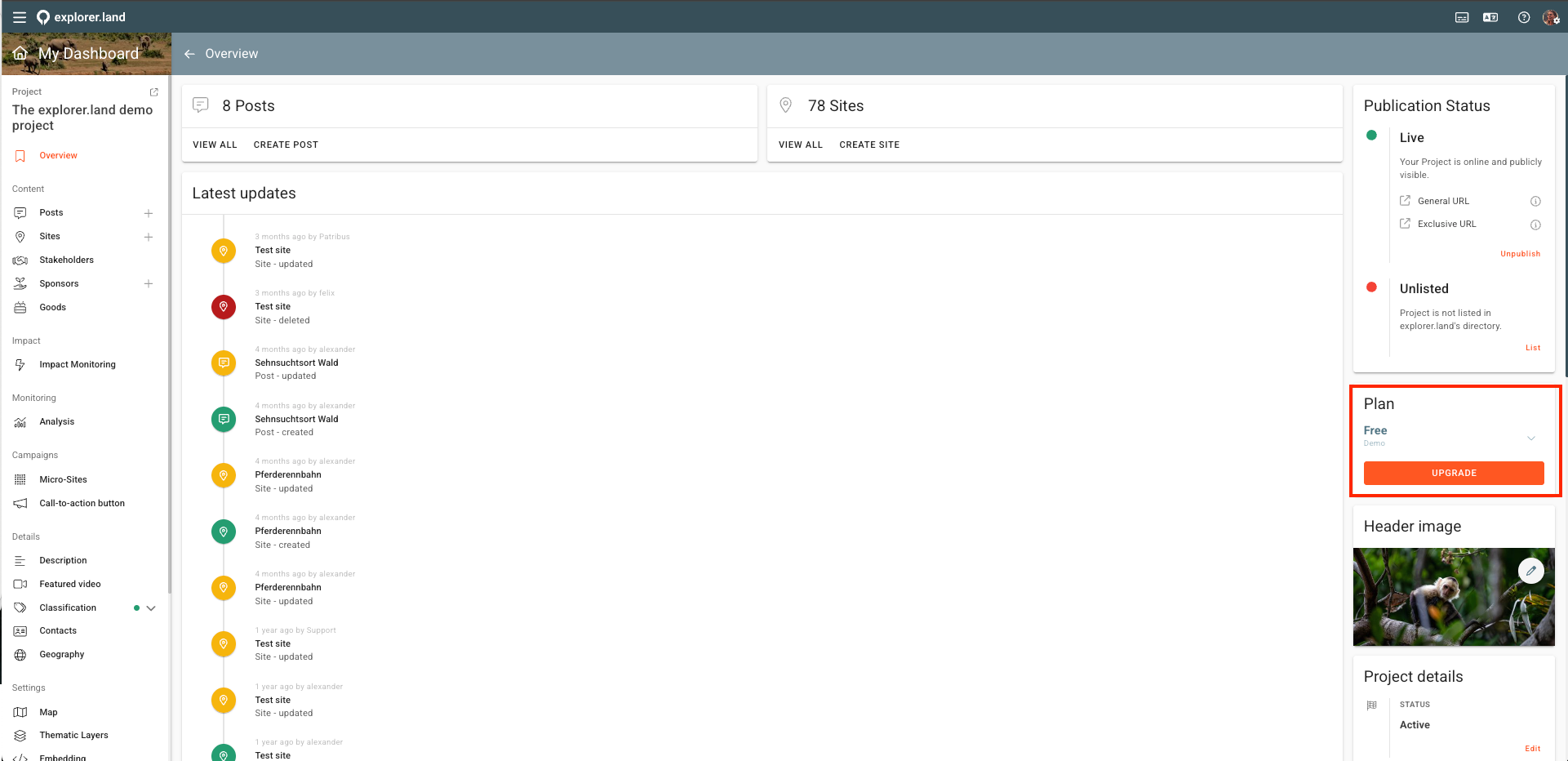
Step 3 — Choose your new plan Select the plan that fits your needs. If you're unsure, compare plans at home.explorer.land/plans or book a free consultation.
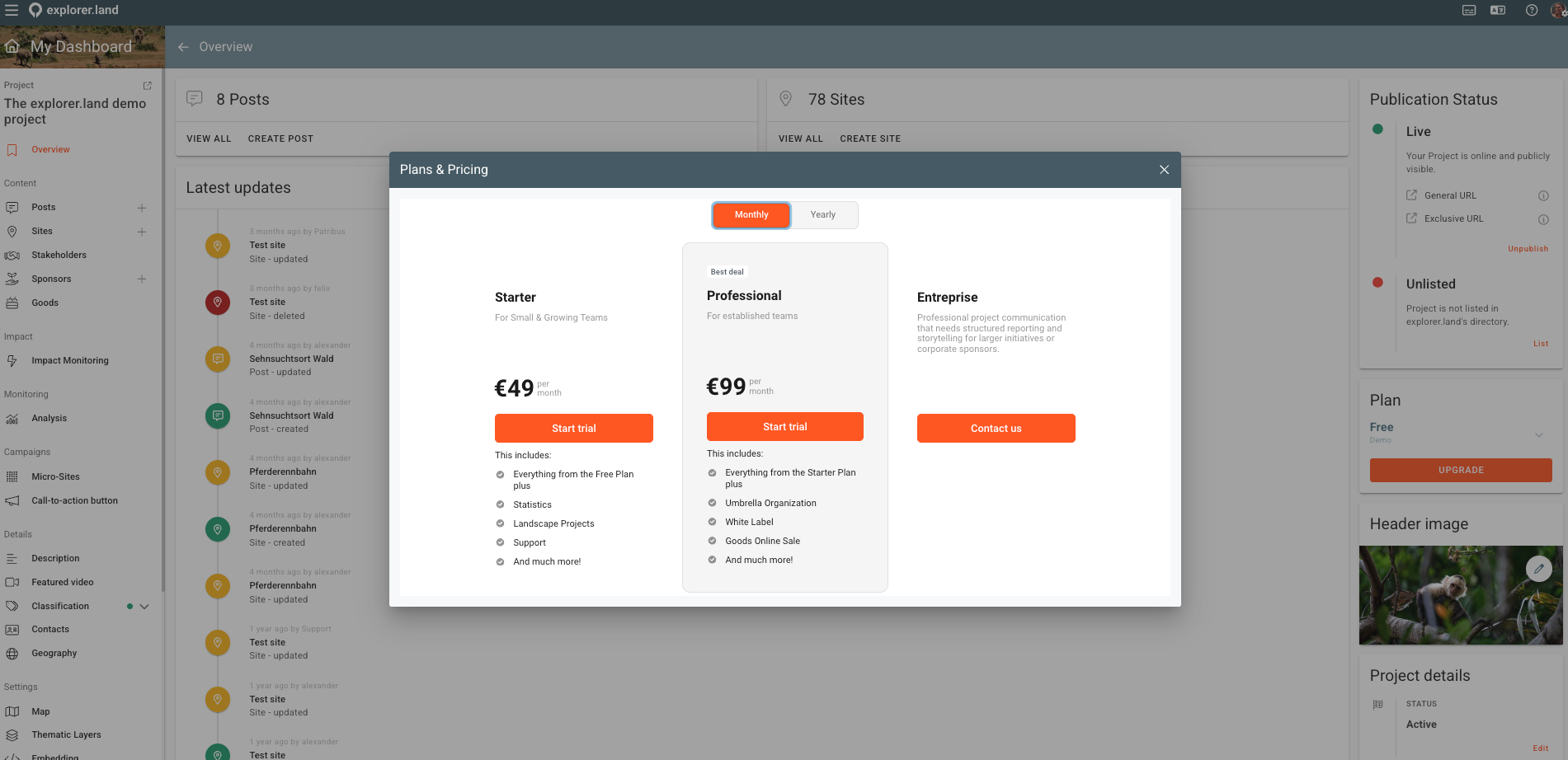
Step 4 — Complete payment Choose monthly or annual billing and complete payment with your preferred method.
Step 5 — Your new features will be activated within 24h Once payment is confirmed, your upgraded plan is active within the next 24h. You will receive a confirmation email.
Upgrading to Enterprise
Enterprise plans are configured with the team rather than self-served. Contact sales@openforests.com or book a call to get started. → Book a call with Mange
Downgrading
To downgrade your plan, contact sales@openforests.com. Downgrades take effect at the start of the next billing period. Your data is preserved.
Was this helpful?
Still need help? Ask the team