Add a Featured Video
Last updated Almost 2 years ago
A great way to show more information about your project or organization is by featuring a video on your project or organization profile's home page. This will create a more interactive description, providing your visitors with a more appealing and engaging way of getting to know you.
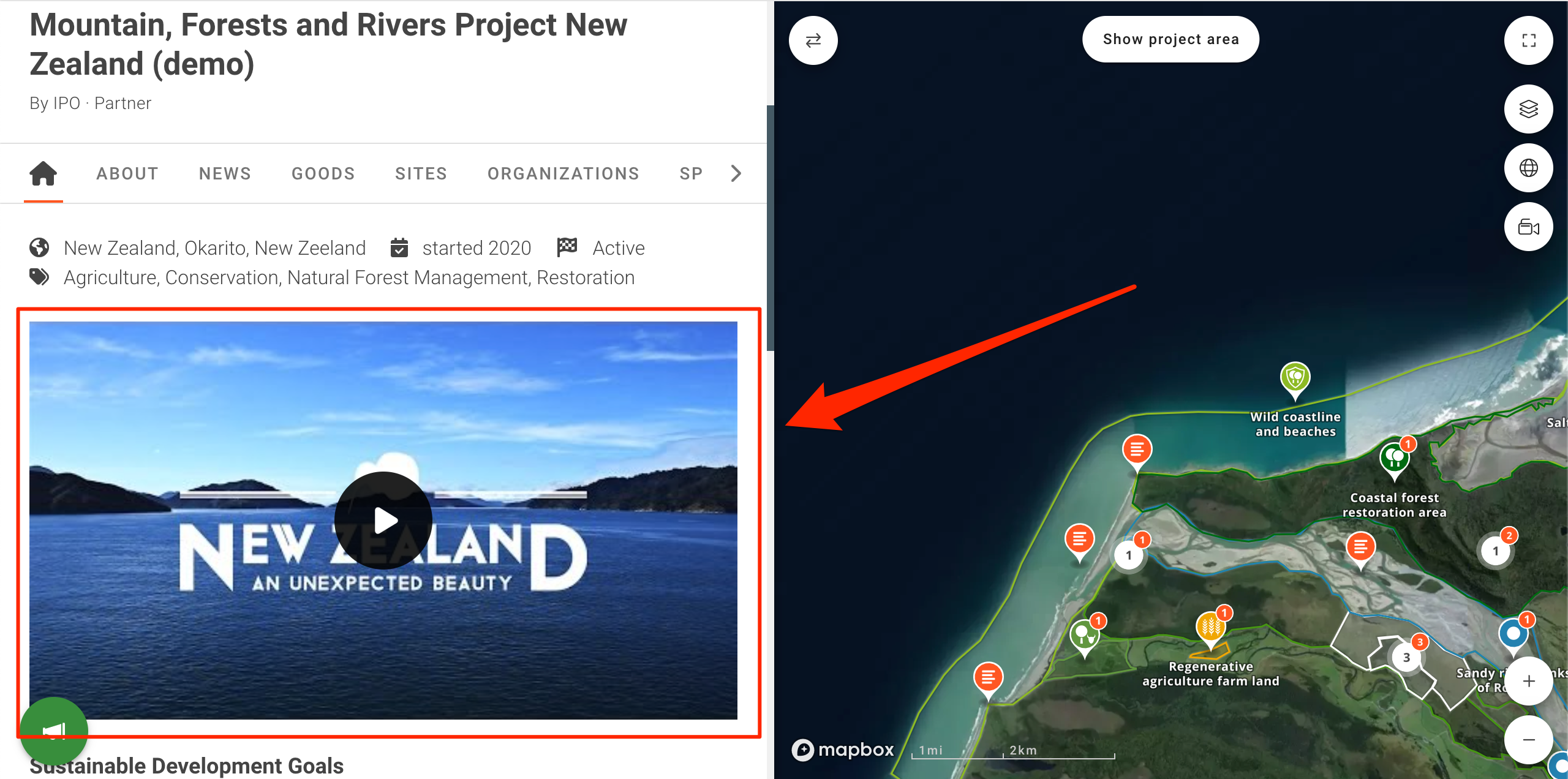
Adding a Video
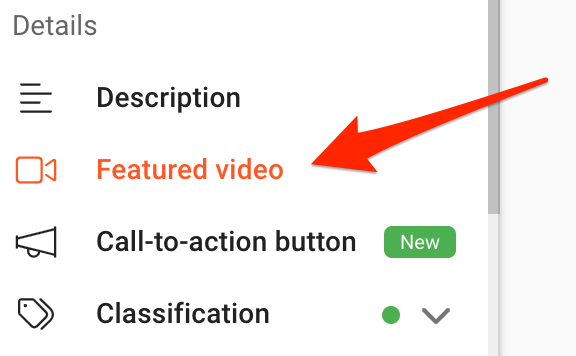
To add a video, navigate to the Project Management Panel and select “Featured Video” on the menu on the left. This will open the Featured Video management page.
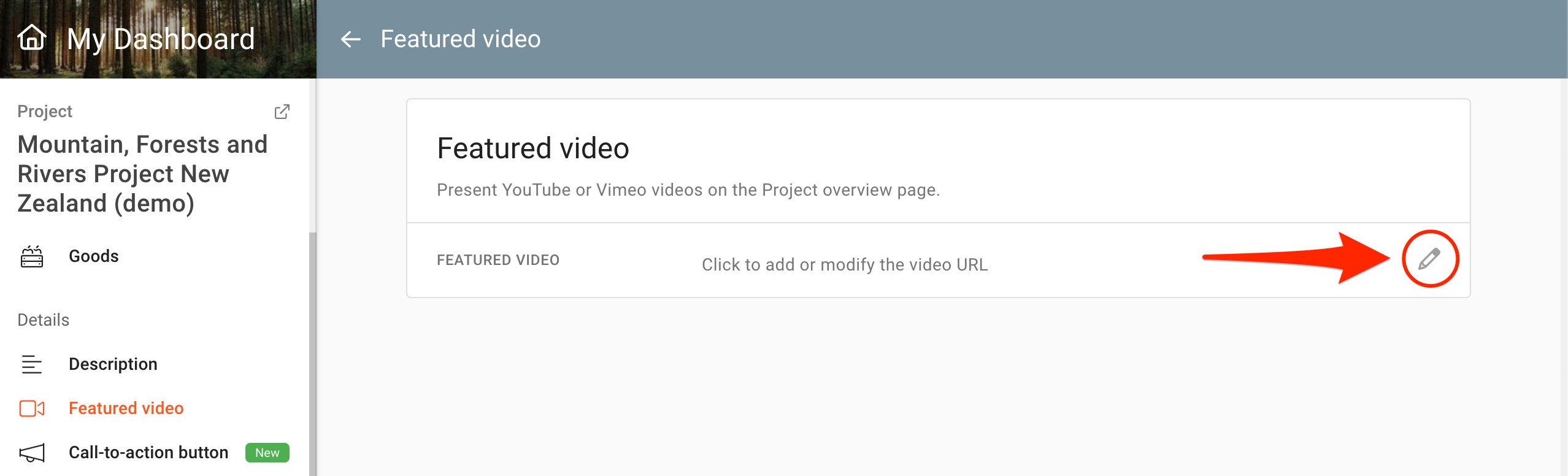
In the Featured Video management page, click on the "pen" icon to open the video URL field.
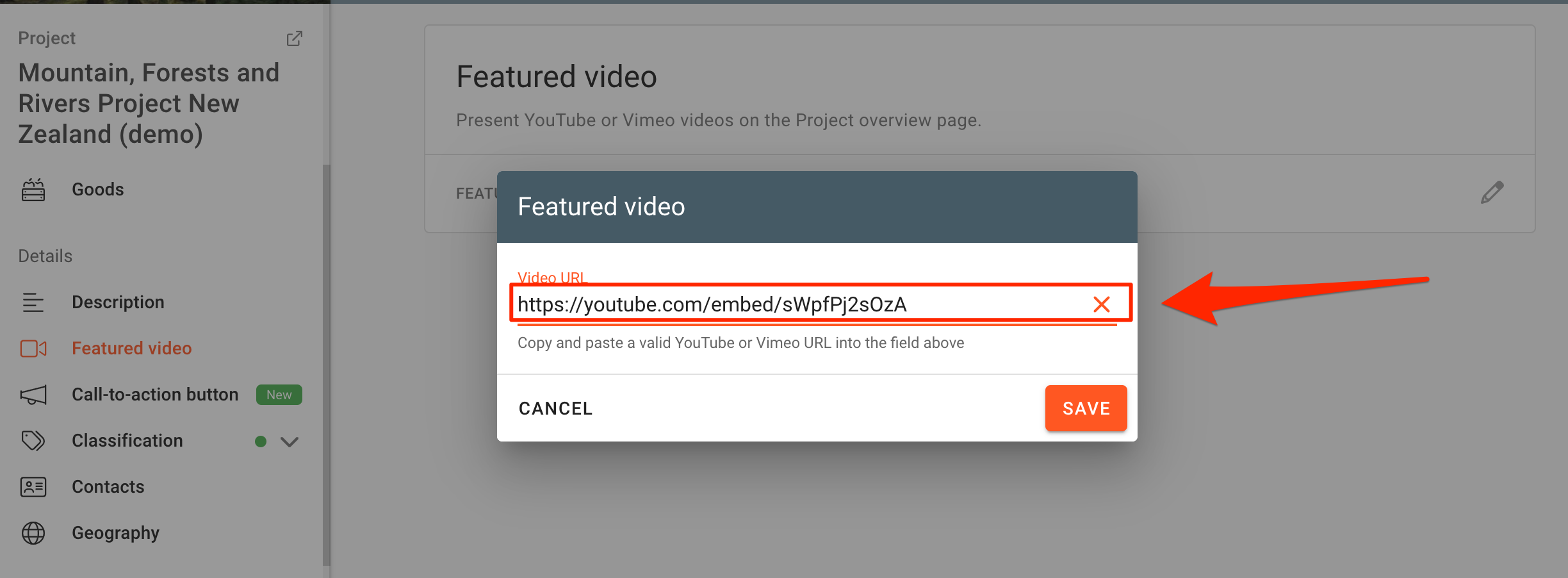
Enter a valid URL from a YouTube or Vimeo video.
Conclude by clicking on the “Save” button, or discard changes by clicking “Cancel”.
You can always go back and change your video by adding a different valid URL.
Was this helpful?
Still need help? Ask the team